Your clients stay yours
Manage the households and animals you already serve without placing your business inside a public caregiver marketplace.
Business software for independent animal caregivers
Organize services, client and animal records, scheduling, communications, and financials in a platform designed around the caregiver. Use it privately, or invite selected clients into a portal that extends your business without taking it over.
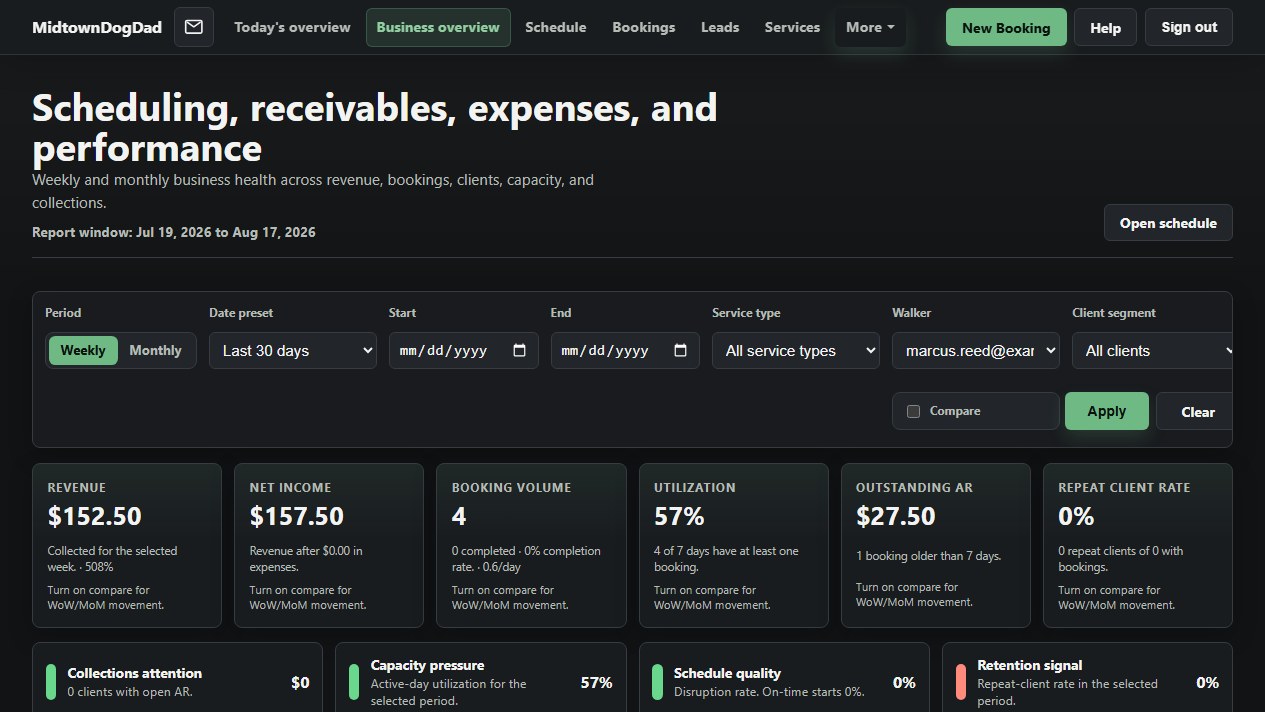
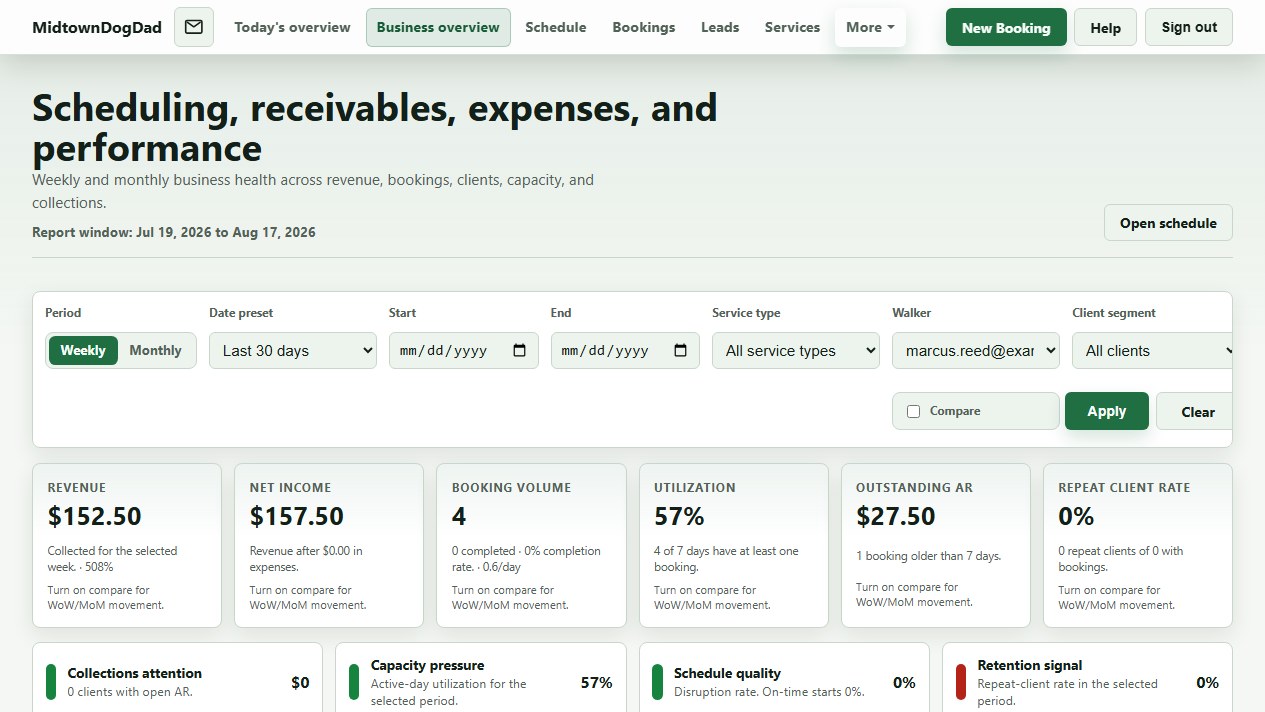
Manage the households and animals you already serve without placing your business inside a public caregiver marketplace.
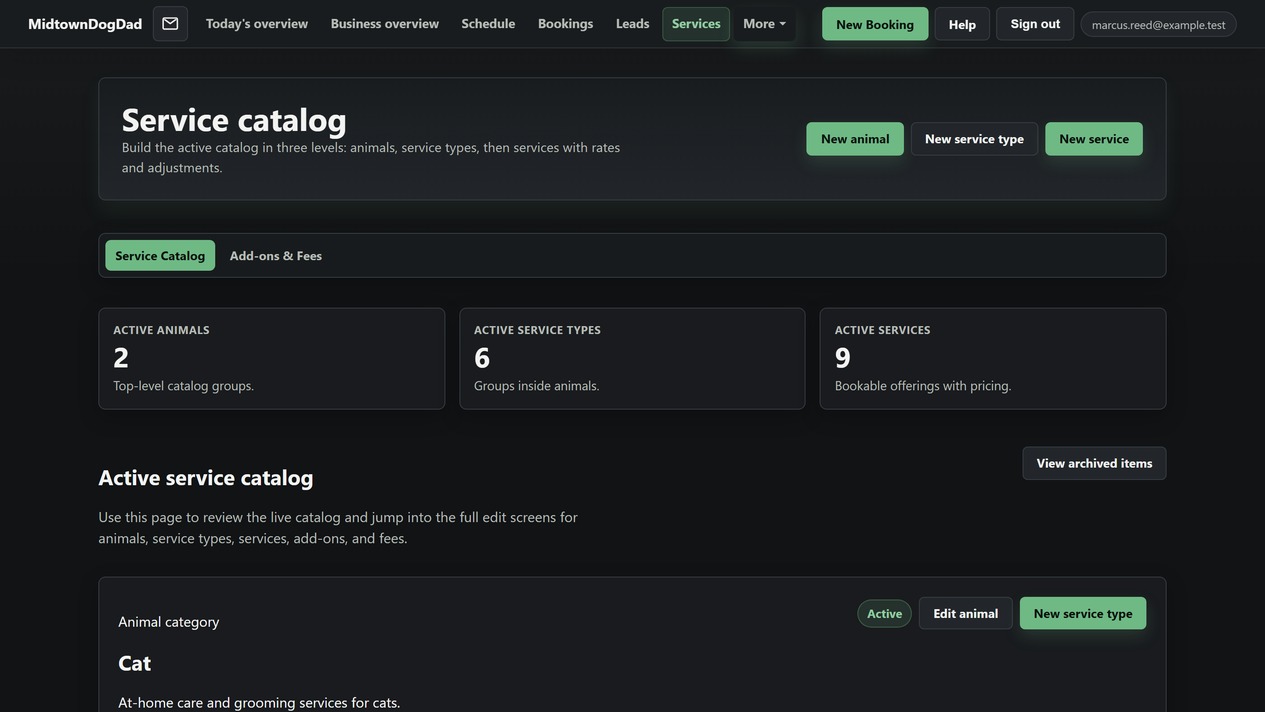
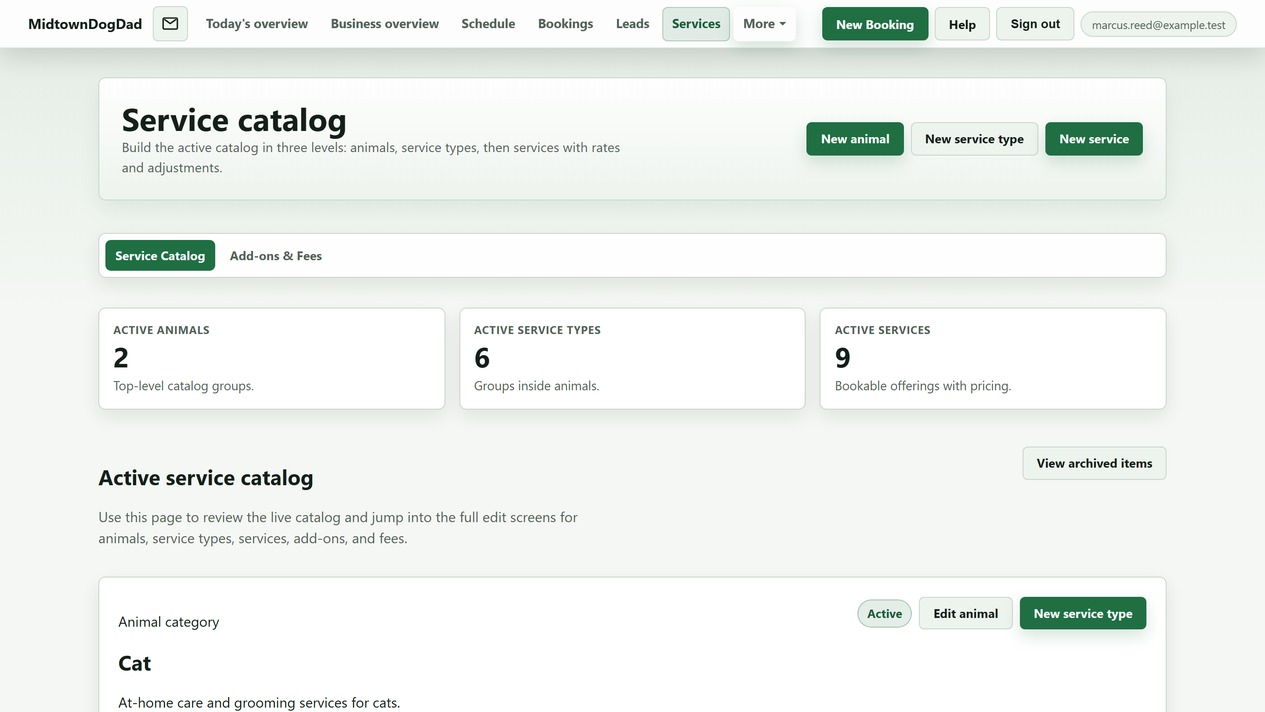
Build your own service catalog, set default rates, and keep client-specific pricing under your control.
Midtowndogdad adds no booking fee to provider-client services and takes no percentage of that service revenue.
Your choice
The caregiver workspace stands on its own. Set up your business, services, clients, animals, calendar, and financial records without giving clients access to the app.
Keep Midtowndogdad entirely internal as the place where you organize the business behind the care.
Invite clients individually when you want to give them a professional, direct way to work with your business.
Daily operations
Start with shared service defaults or build your own, then set timing, pricing, add-ons, animal types, and client-specific rates.
Keep client instructions and animal profiles—including care, handling, vet, allergy, and weather notes—close to the work.
Create one-off bookings or recurring weekly schedules with different services, days, and times in the same plan.
See client colors, time windows, payment and pending status, and practical start or end markers for multi-day services.
Message clients directly, send selected or broad alerts, and use current in-app and email notification paths.
Record payments, tips, multi-service allocations, and expenses, then review revenue and business context without routing client payments through Midtowndogdad.
Bring schedule, operational attention, receivables, expenses, and performance context into focused caregiver dashboards.
Inside the workspace
Real screens from the caregiver workspace, running on sample data—not illustrations of what it might look like.
CurrentThree levels—animals, service types, then the services you actually book—each carrying its own duration, rate, add-ons, and fees.
Every household in one list: portal status, assigned walker, animals, and the notes you need before you knock on the door.
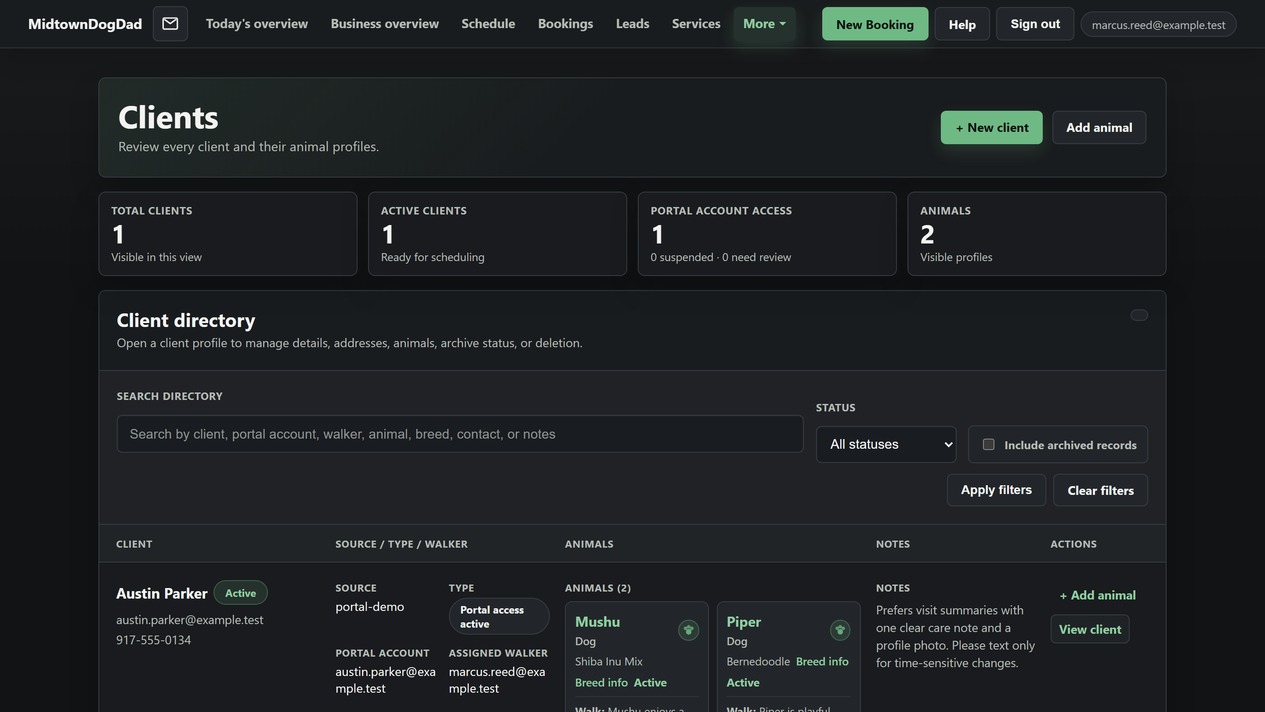
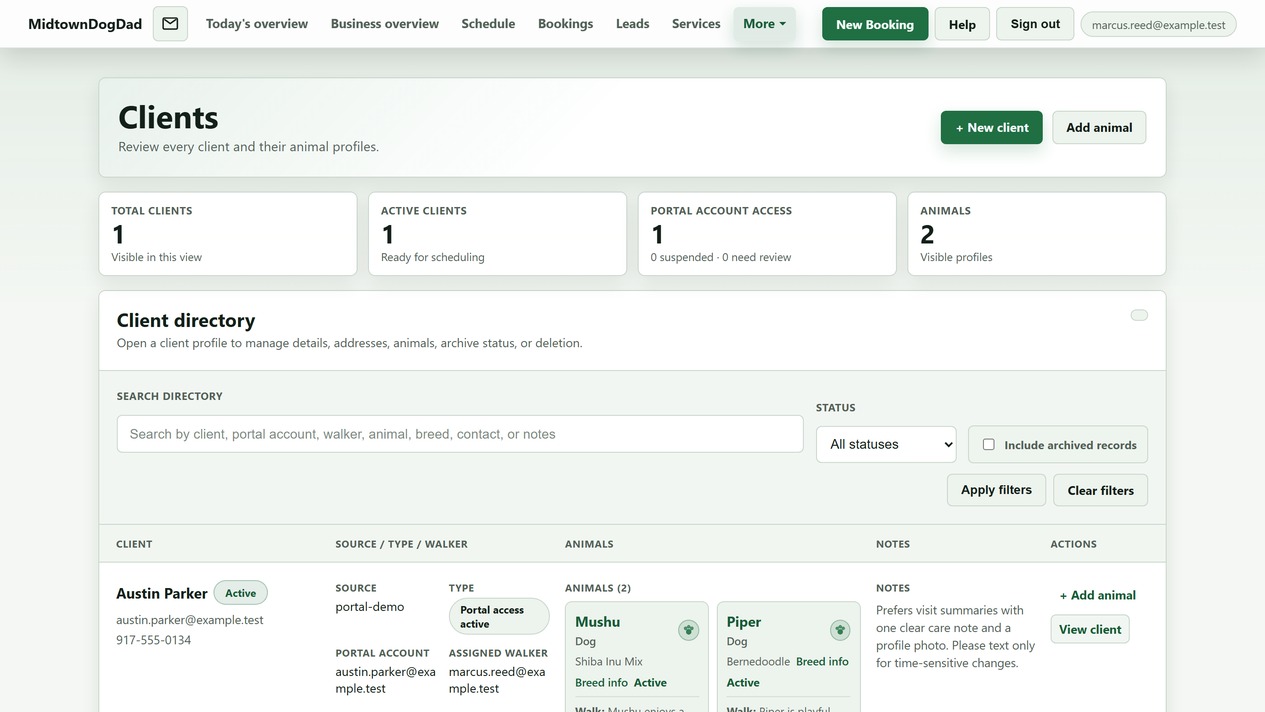
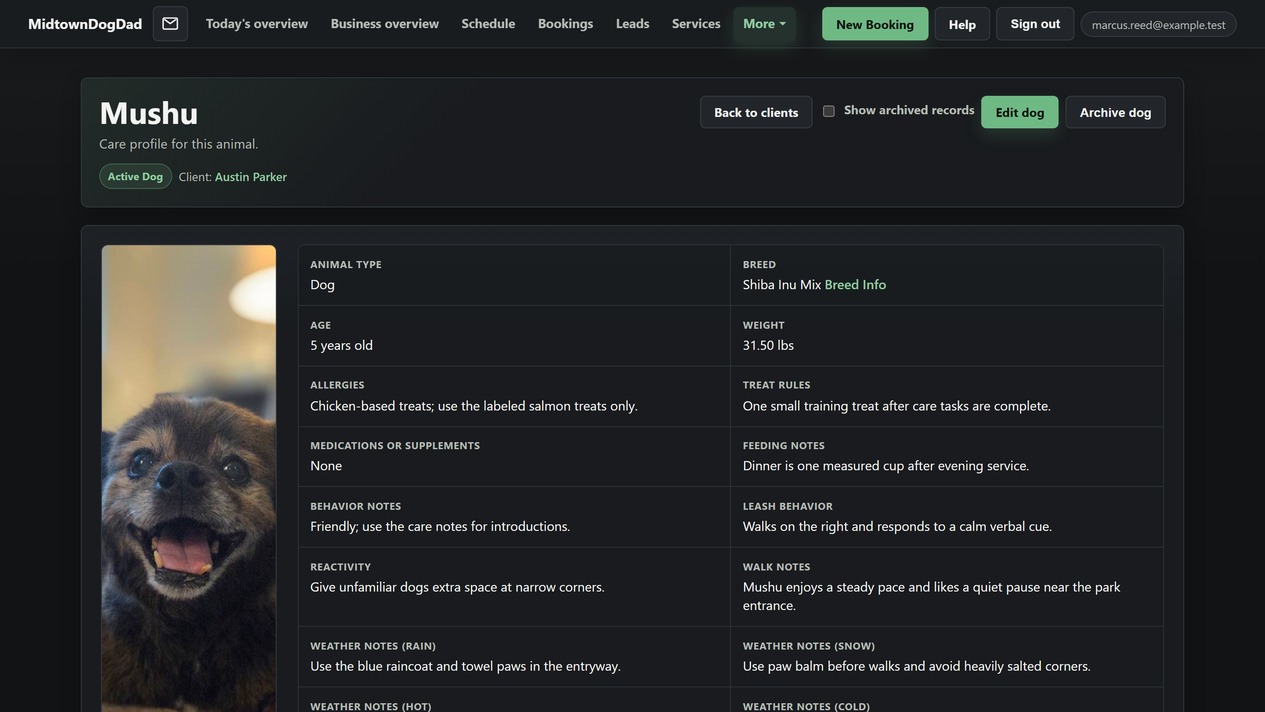
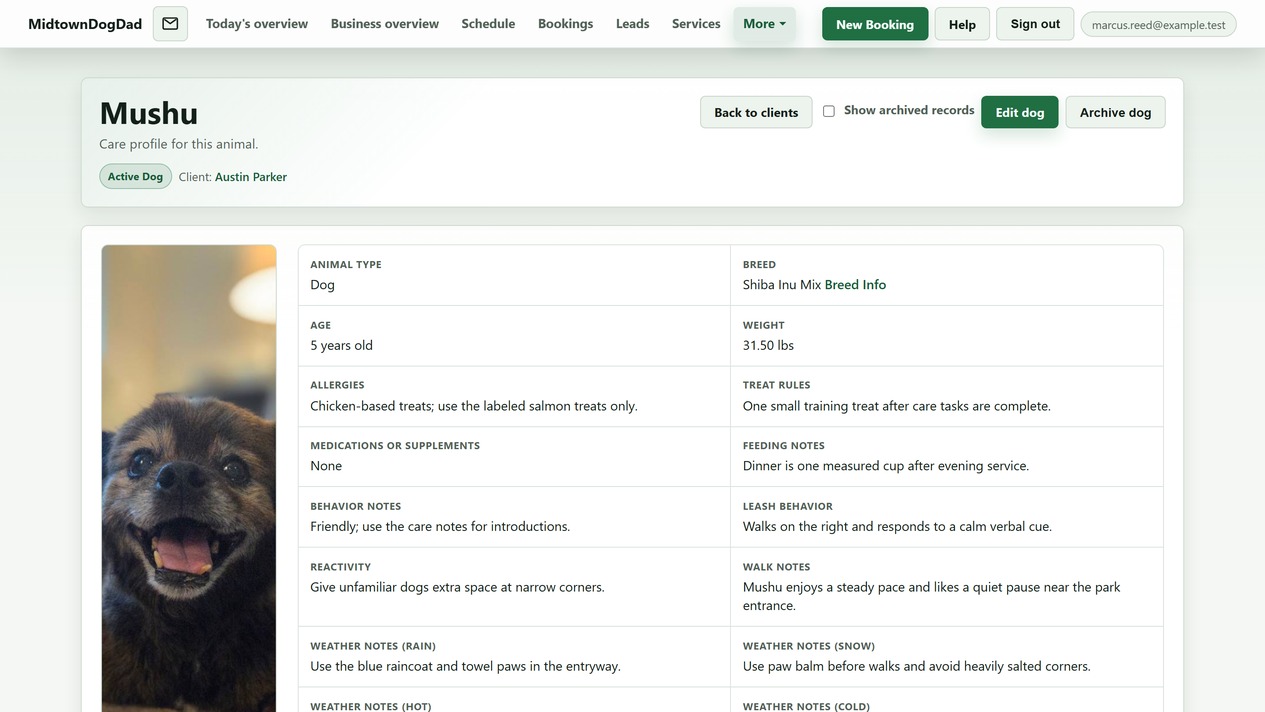
Allergies, treat rules, feeding, leash behavior, reactivity, veterinary contact—and separate weather notes for rain, snow, heat, and cold.
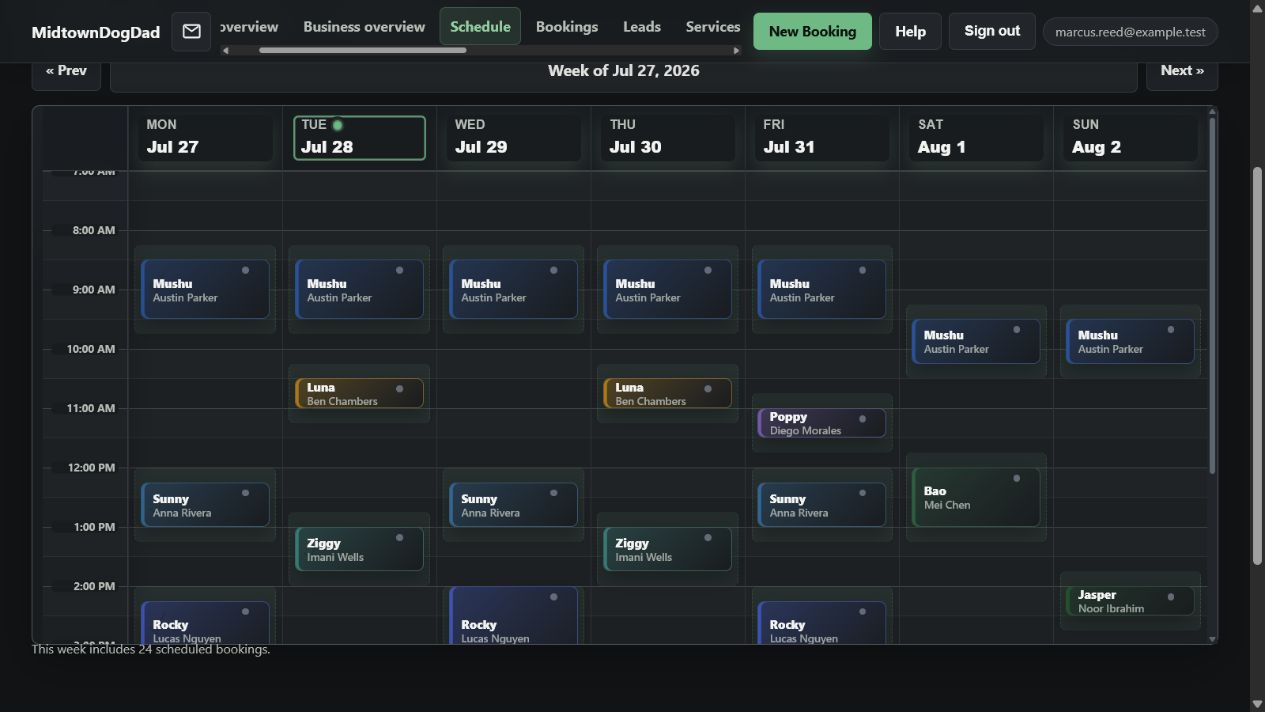
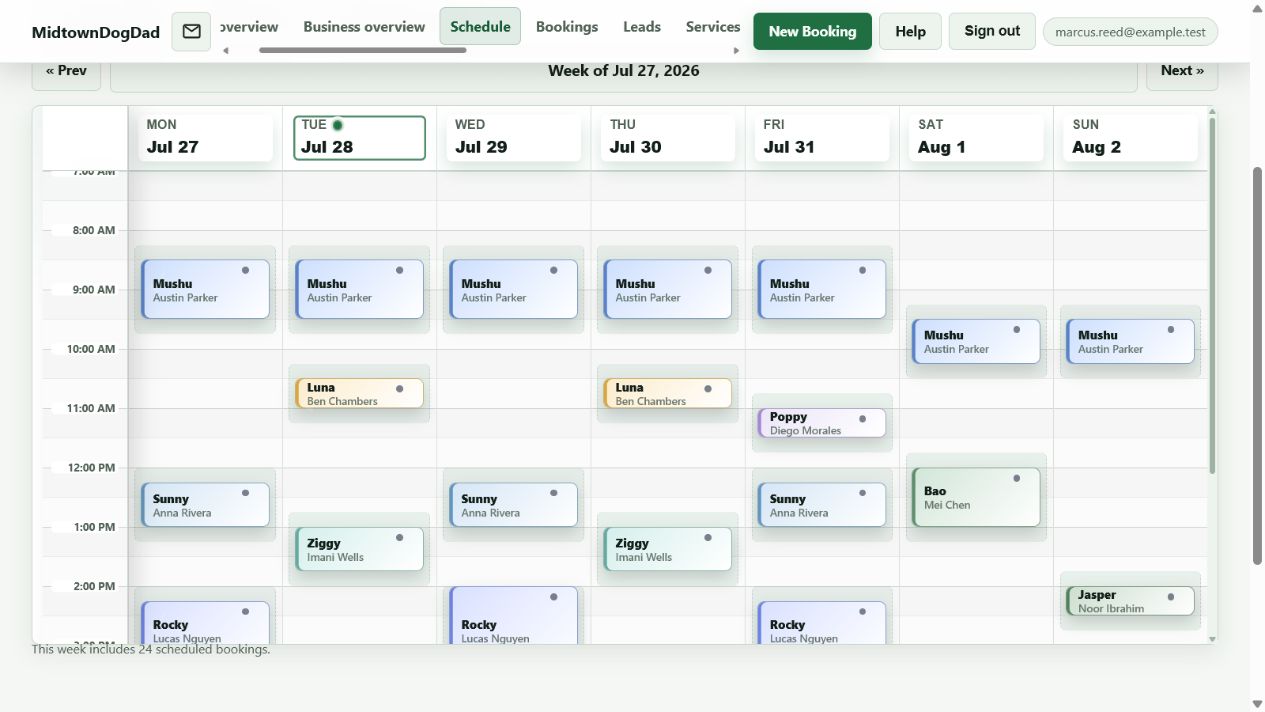
Client colors, service windows, and recurring plans side by side, so a full week reads at a glance instead of becoming a blocked calendar wall.
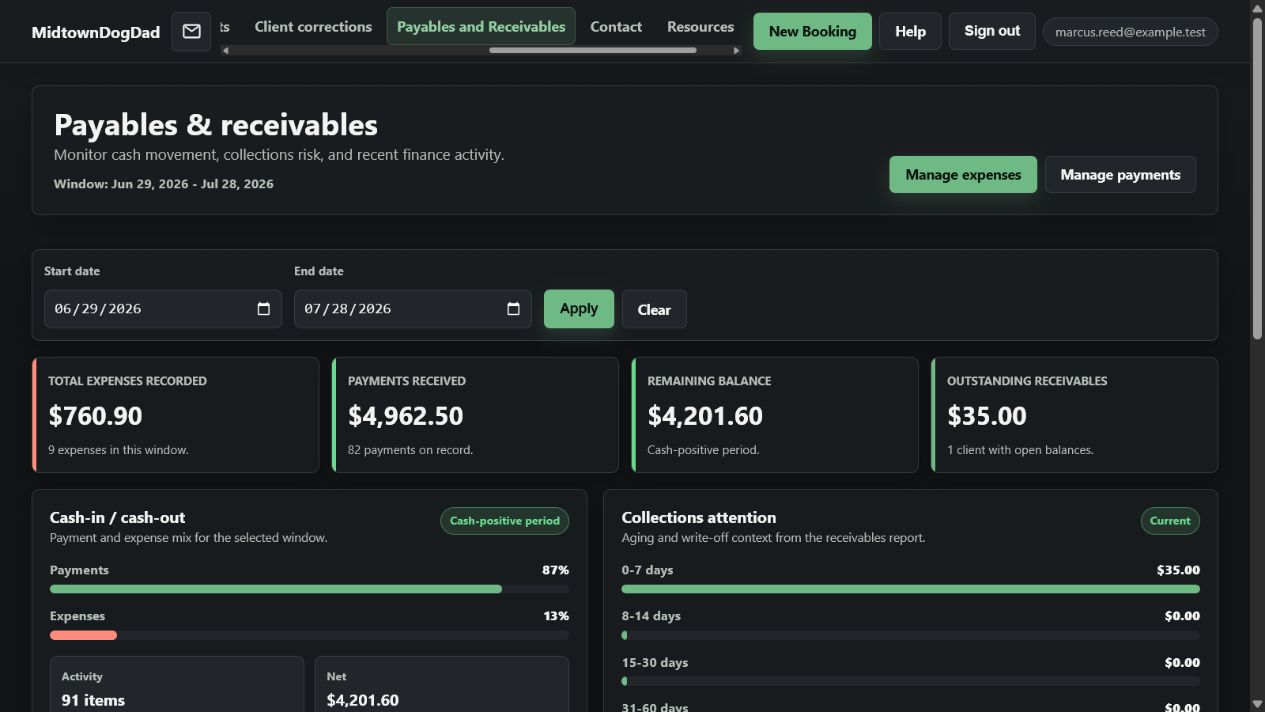
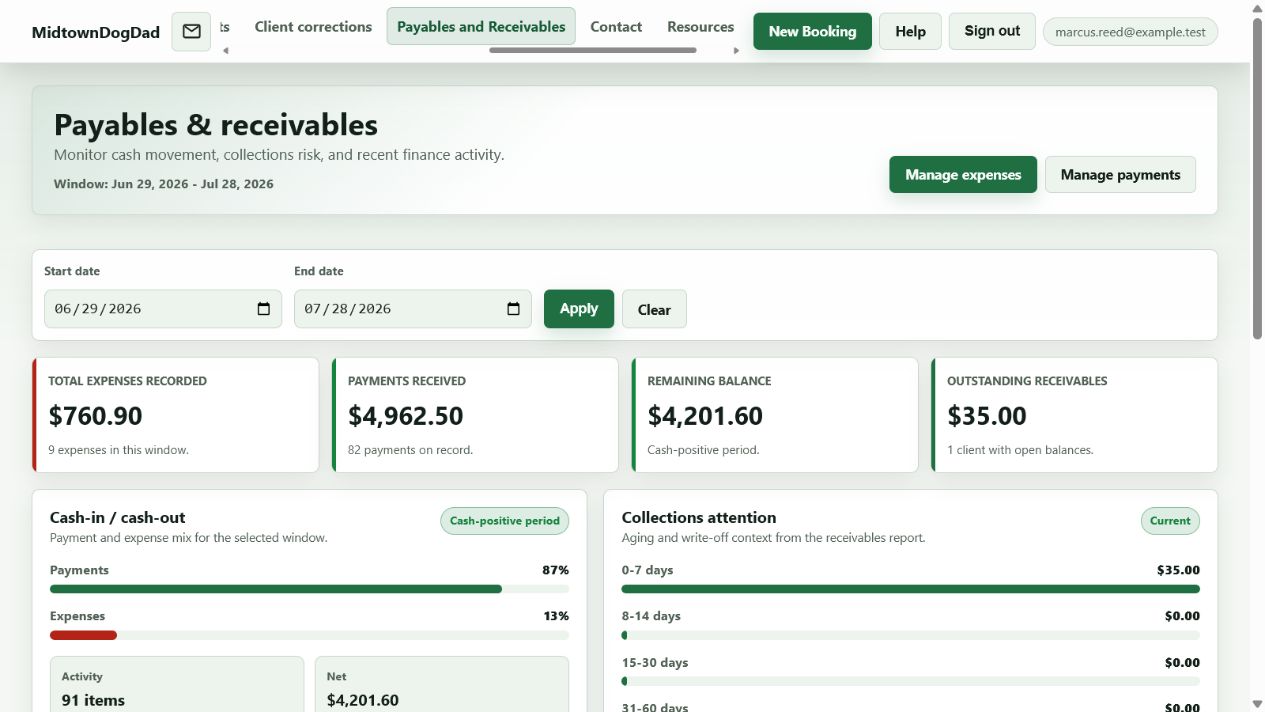
Recorded payments, tips, allocations, and expenses roll up into what is outstanding and what is owed—records you keep, not a payment rail you are routed through.
Client Portal
Portal access is granted by the caregiver, one client relationship at a time. Clients can be linked to more than one caregiver and switch between the caregiver profiles available to them.
Progressive · Limited BetaLinked clients can request available one-off or recurring services, message you directly, and review their client-safe service history.
Clients can maintain their own and their animals' shared details through the authorized workflow, with caregiver review where a correction requires it.
When you enable schedule sharing, clients see a privacy-protected view with other households' identifying information removed.
Offer a polished client experience while keeping your services, policies, communication, and customer relationships under your direction.
A straightforward software model
Your subscription pays for access to Midtowndogdad. Provider-client payments stay outside the platform, so the software cost does not rise because you charge more or complete more services.
Nothing is added to what your client pays you.
Service volume and rates do not change the price.
Applicable tax and services you choose elsewhere are separate.
Limited Beta
Each subscribing provider maintains a separate business account and controls access to its own information. Client-connected functionality is being introduced progressively and may not be available to every account during limited beta.